An llms.txt file is a short Markdown document at the root of your site that tells AI agents what your business is and where your most useful pages are. Jeremy Howard of fast.ai proposed the format in September 2024. In May 2026 Google added an llms.txt audit to Chrome Lighthouse.
If you run a Shopify store, you already have one. This guide covers what Shopify serves by default, how to change it, and what to expect from it.
What llms.txt is
The format is simple. In order:
- An H1 with the name of the site
- A blockquote with a one or two sentence summary
- Optional paragraphs with more context
- H2 sections, each with a list of links and a short note on each
A companion file, llms-full.txt, is a convention some sites use to put the full text of key pages in one place. It is not part of the core proposal but many documentation sites publish one.
What llms.txt does not do
Be clear-eyed about this. In September 2026, SEOmator checked the top 100,000 domains and found 8.6% published a real llms.txt file. Studies through mid-2026 have not shown that having one increases how often ChatGPT, Claude, Gemini or Perplexity cite a site. The file mostly helps AI agents and coding tools that are told to read it.
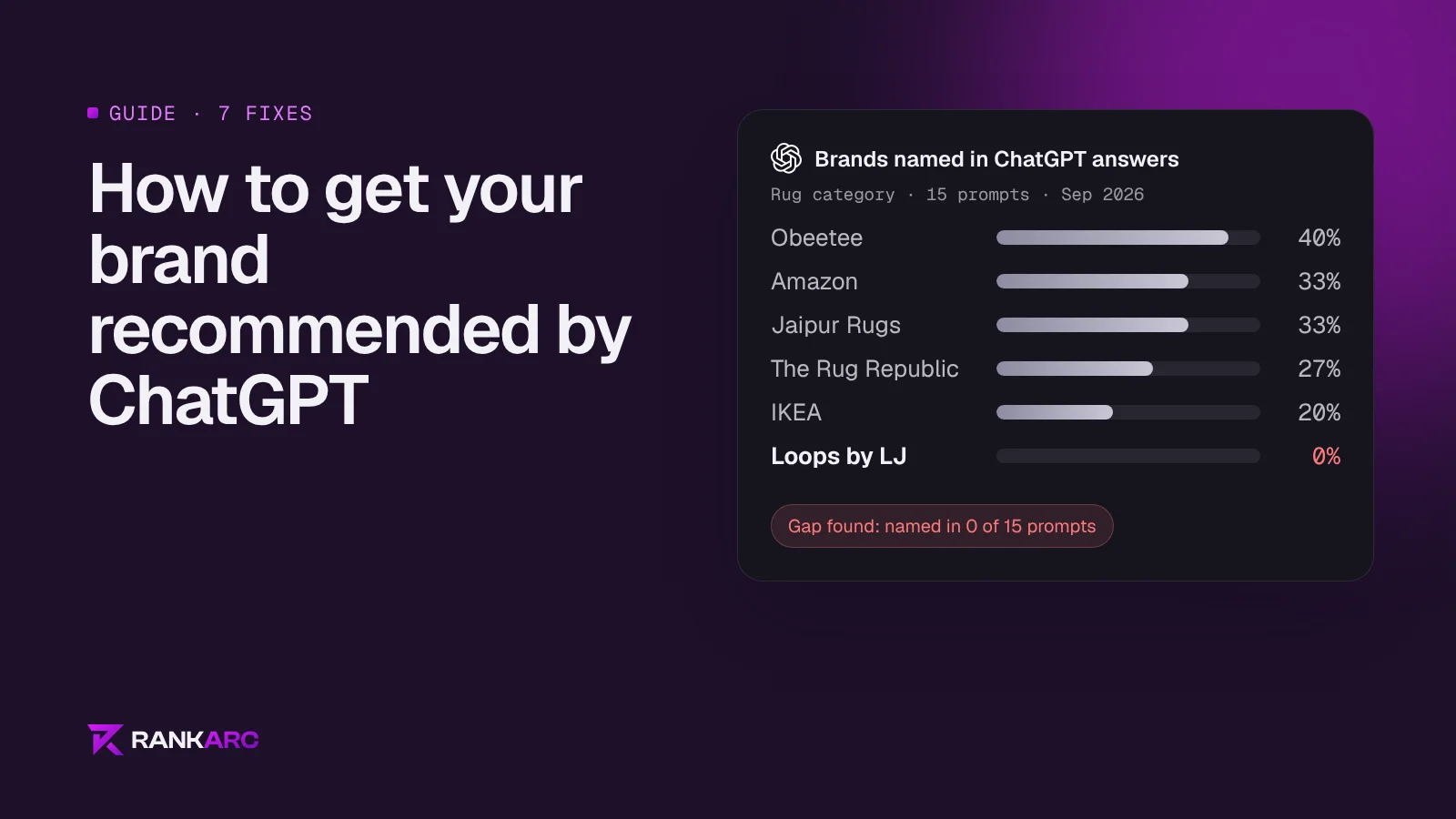
So treat it as cheap housekeeping, not a ranking lever. It takes ten minutes, it gives agents an accurate summary of your store, and it costs nothing. The work that moves AI visibility is crawler access, clear pages, schema and citations, covered in our guide to getting recommended by ChatGPT.
What Shopify serves by default
Since May 2026, Shopify serves three files for every store:
/agents.md/llms.txt/llms-full.txt
By default all three show the same content, and it is not a map of your store. It is a set of agent instructions written by Shopify: how an AI agent can use the Shop skill and the Universal Commerce Protocol (UCP) to search products, build a cart and check out on the shopper's behalf. Visit yourstore.com/llms.txt to see yours.
Those instructions are useful for agents that buy things. They say nothing about what makes your brand different, which collections matter, or where your best guides and policies live. That is the part worth adding.
How to customise it
Shopify looks for a theme template named after each path, then falls back to agents.md.liquid, then to its own default. So:
- In Shopify admin, go to Online Store, then Themes, then Edit code.
- In the Templates folder, choose Add a new template.
- Create
agents.md.liquidto change all three files at once, orllms.txt.liquidto change only/llms.txt. - Paste your content and save.
- Open
yourstore.com/llms.txtto check it.
Older guides tell you to upload a file to Shopify Files and redirect /llms.txt to it. Since Shopify started serving the file natively, the template method is the one to use.
A template for a Shopify store
Here is the structure we use, based on a fashion client. Replace everything with your own store's facts:
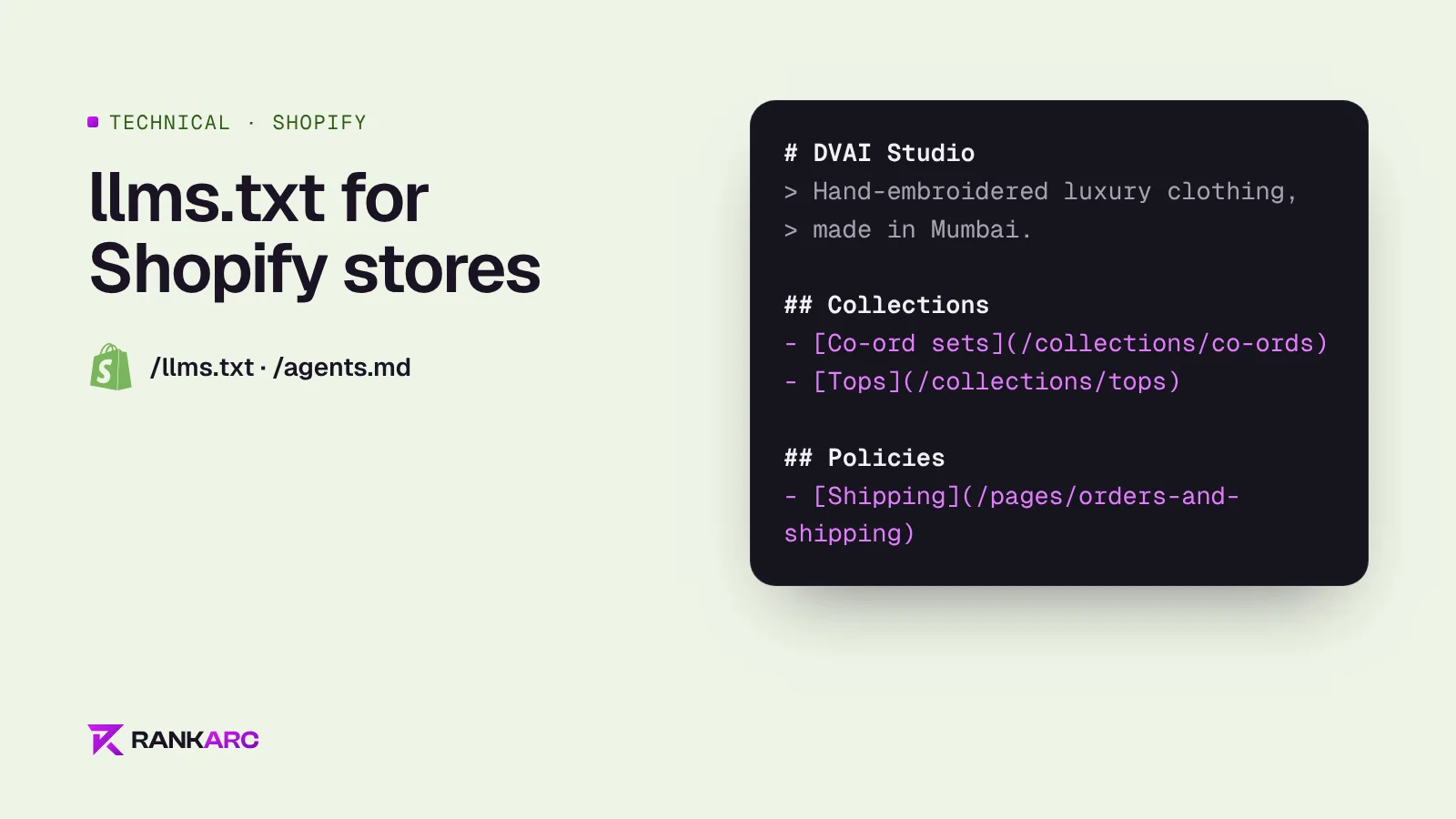
# DVAI Studio

> Hand-embroidered luxury clothing for women and men, made in Mumbai and shipped worldwide.

DVAI Studio designs one-of-a-kind hand-embroidered shirts, co-ord sets, dresses and jackets. Every piece is embroidered by hand.

## Collections

- [Co-ord sets for women](https://dvaistudio.com/collections/co-ords): matching hand-embroidered sets
- [Tops](https://dvaistudio.com/collections/tops): hand-embroidered tops and bralettes
- [Jackets and coats](https://dvaistudio.com/collections/jackets-coats): designer jackets for women

## Guides

- [Embroidered shirts for men](https://dvaistudio.com/blogs/news): how to choose fabric, fit and style

## Policies

- [Shipping](https://dvaistudio.com/pages/orders-and-shipping): delivery times and costs
- [Returns](https://dvaistudio.com/pages/returns-and-refunds): returns and refunds
- [Size guide](https://dvaistudio.com/pages/size-chart-womens): women's sizes

## Optional

- [About](https://dvaistudio.com/pages/about-us): the brand story
Keep it short and current. List your top collections, your most useful guides and the policies buyers ask about. Use full URLs and one plain sentence for each link.
Common mistakes
- Removing the agent instructions. Shopify's default text helps agents check out. Keep it, and add your brand summary, collections and guides around it.
- Listing every product. llms.txt is a map, not a catalogue. Link to collections and let your sitemap cover products.
- Marketing copy. Write it the way you would explain the store to a new staff member.
- Facts that disagree with the site. If the file says you ship worldwide and your shipping page says India only, you lose trust.
- Forgetting to update it. Add new collections and guides when you publish them.
Questions
Does every Shopify store have an llms.txt file?
Yes. Since May 2026 Shopify serves /llms.txt, /llms-full.txt and /agents.md for every store. The default content is agent instructions for Shop and UCP checkout, not a summary of your catalogue.
Will llms.txt get my store into ChatGPT?
Not on its own. There is no published evidence yet that llms.txt raises citation rates. Crawler access, clear pages, schema and third-party mentions matter far more.
Do I need an app to create llms.txt on Shopify?
No. Add a templates/agents.md.liquid or templates/llms.txt.liquid file in your theme code and Shopify serves it.
Should I block AI crawlers in llms.txt?
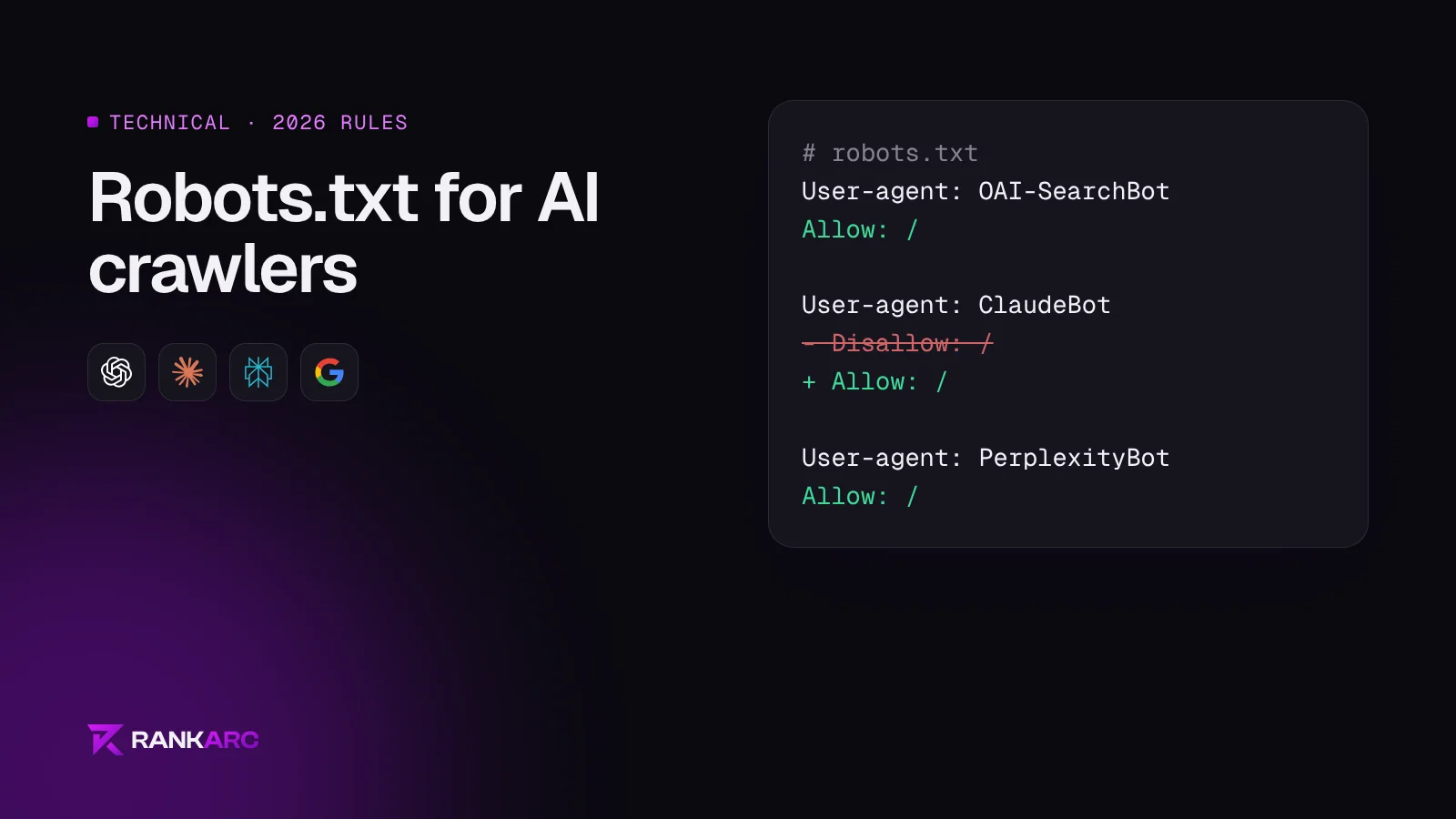
llms.txt does not control access. Use robots.txt for that, as explained in our robots.txt guide for AI crawlers.