Your robots.txt file decides which AI systems can read your site. One wrong line can keep your brand out of ChatGPT, Claude and Perplexity answers entirely, and many sites carry that line without knowing it.
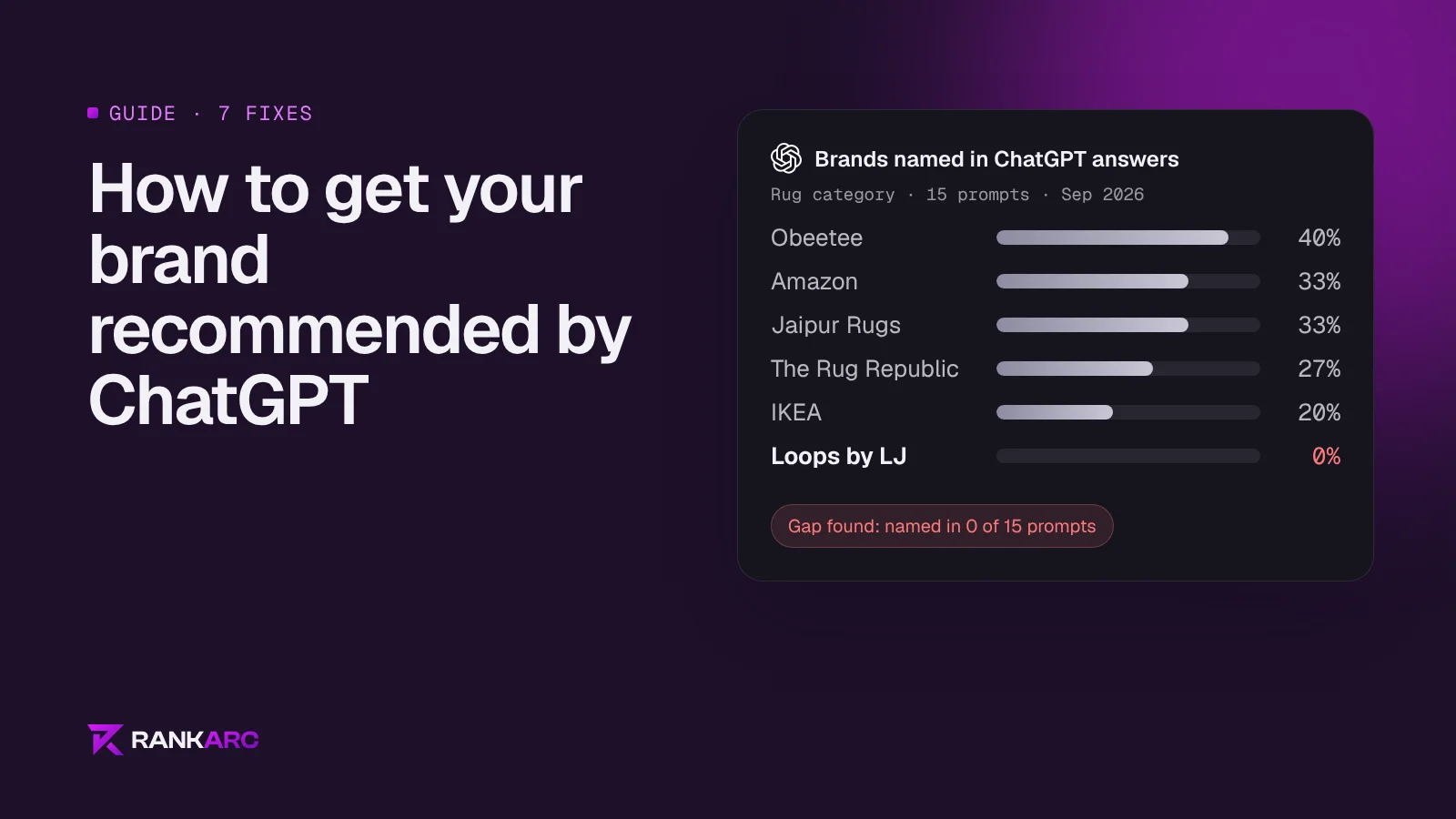
In August 2026 we audited an Indian menswear brand that ranks first on Google for "kurta for men", a keyword with about 450,000 searches a month. Its robots.txt told GPTBot, ClaudeBot, CCBot, anthropic-ai and Applebot-Extended to stay out of the whole site. It scored 0% visibility across 15 ChatGPT prompts in its own category. Those two facts are connected.
This guide lists the AI crawlers that matter, what each one does, and the rules we use.
Training crawlers and search crawlers are different
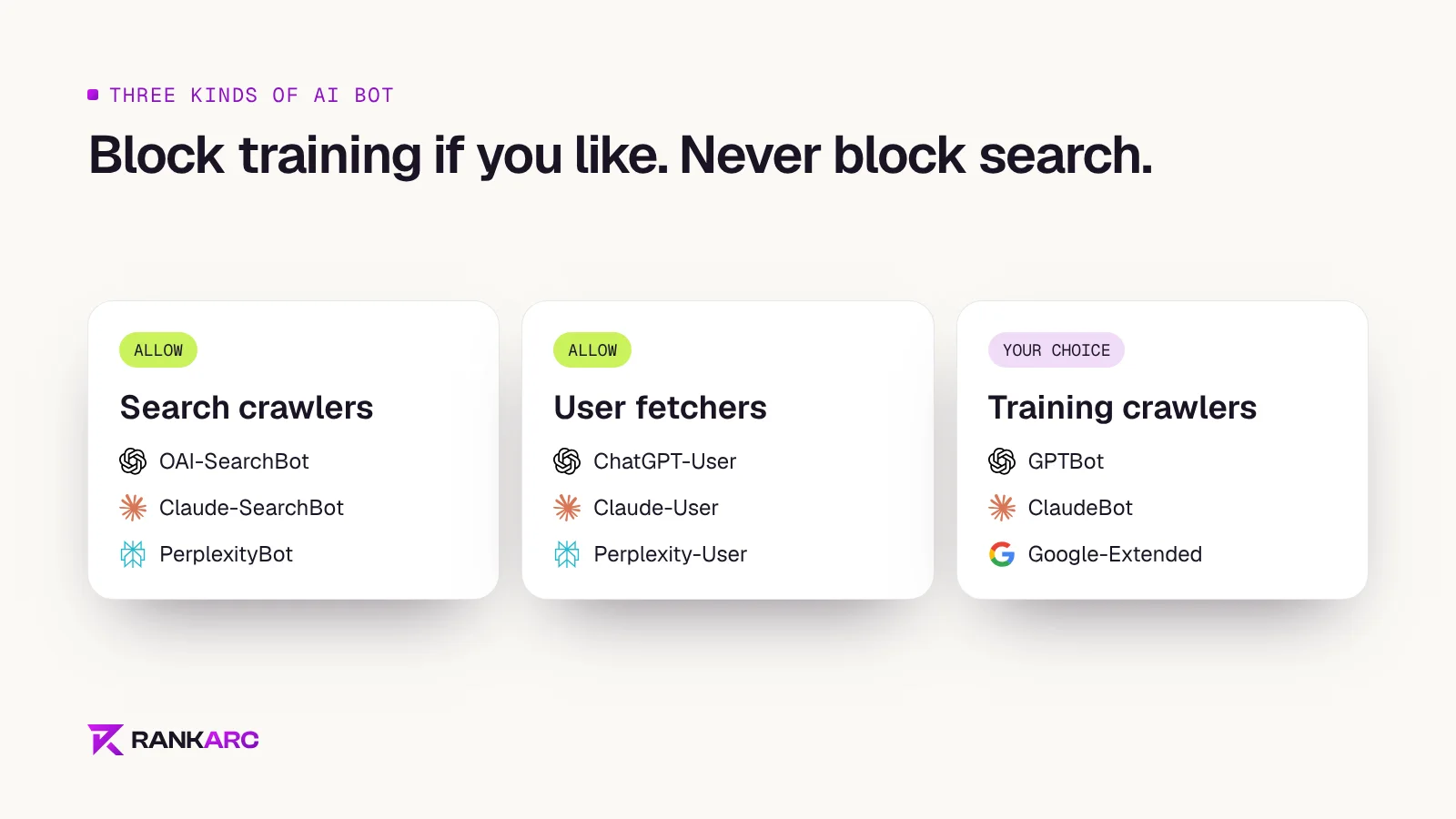
Most AI companies now run separate bots for separate jobs:
- Search crawlers fetch pages so the assistant can quote and link to them in answers. Block these and you cannot be cited.
- User-triggered fetchers load a page when a person asks the assistant to read it.
- Training crawlers collect content that may be used to train future models.
You can allow search while blocking training. That is a reasonable choice for brands worried about their content being used for training. Blocking everything, which is what many security plugins and copied templates do, removes you from AI answers as well.
The AI crawlers that matter in 2026
| Robots.txt token | Company | What it does |
|---|---|---|
| OAI-SearchBot | OpenAI | Builds the index ChatGPT search uses to answer and cite |
| ChatGPT-User | OpenAI | Fetches a page when a ChatGPT user asks for it |
| GPTBot | OpenAI | Collects content that may train OpenAI models |
| Claude-SearchBot | Anthropic | Indexes pages for Claude's search answers |
| Claude-User | Anthropic | Fetches a page when a Claude user asks for it |
| ClaudeBot | Anthropic | Collects content that may train Claude models |
| PerplexityBot | Perplexity | Indexes pages for Perplexity answers |
| Perplexity-User | Perplexity | Fetches a page for a Perplexity user |
| Google-Extended | Controls Gemini training and grounding, not Search | |
| Applebot-Extended | Apple | Controls use of content for Apple's AI models |
| CCBot | Common Crawl | Builds an open dataset many models train on |
Two details catch people out.
ChatGPT-User may not follow robots.txt. OpenAI updated its documentation in December 2025 and now describes robots.txt tags only for OAI-SearchBot and GPTBot, because ChatGPT-User acts on a user's request. If you need a hard block, do it at your firewall or CDN.
Google-Extended does not control AI Overviews. Google's documentation says Google-Extended does not affect inclusion in Search, and AI Overviews and AI Mode are part of Search. They use the normal Googlebot index. Blocking Google-Extended keeps your content out of Gemini training and grounding but leaves you in AI Overviews.
Rules for most ecommerce and service brands
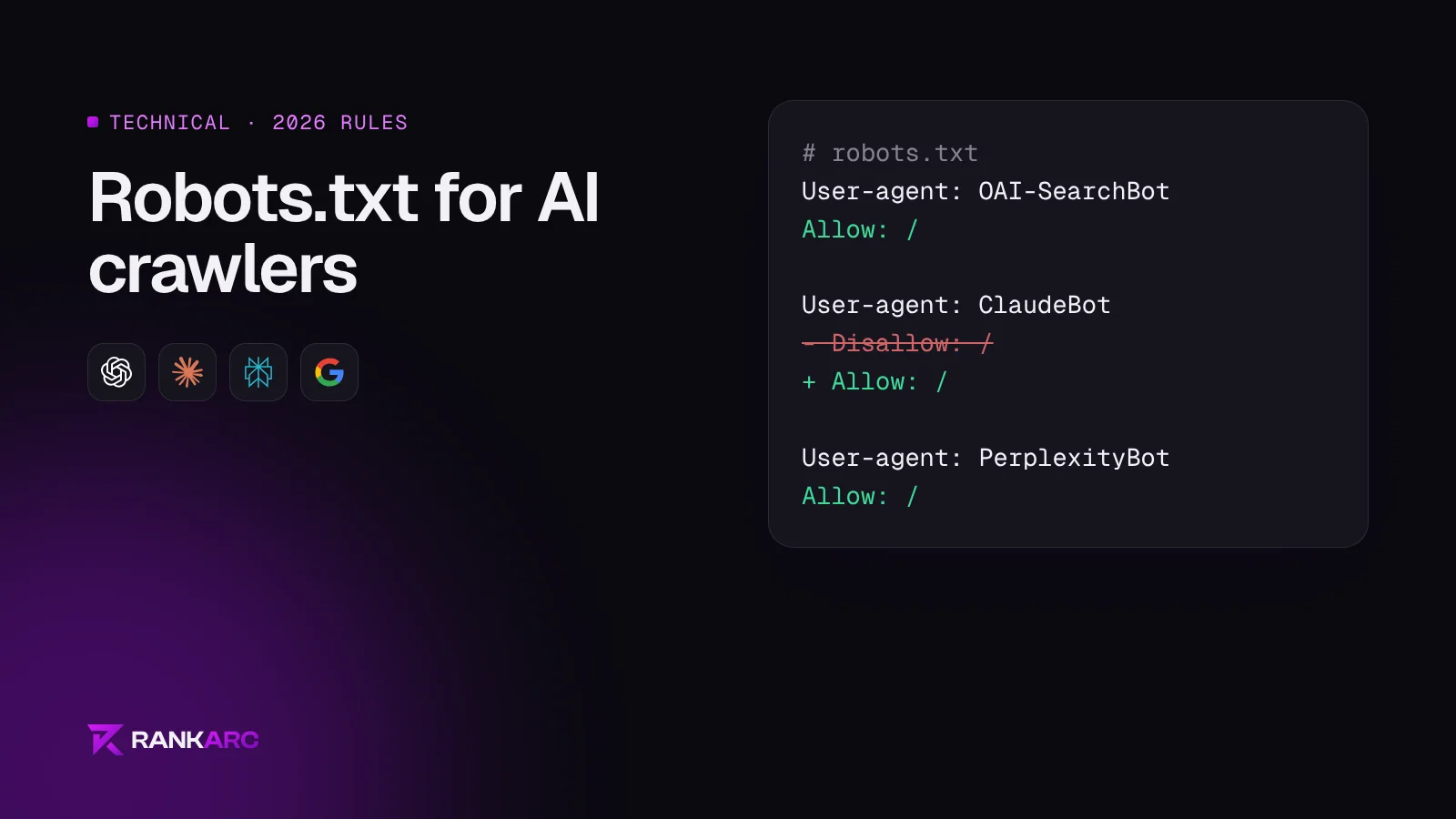
If you want to be found and cited by every major assistant, this is the block we use:
User-agent: *
Allow: /
Disallow: /cart
Disallow: /checkout
Disallow: /account

User-agent: OAI-SearchBot
Allow: /

User-agent: ChatGPT-User
Allow: /

User-agent: GPTBot
Allow: /

User-agent: Claude-SearchBot
Allow: /

User-agent: ClaudeBot
Allow: /

User-agent: PerplexityBot
Allow: /

User-agent: Google-Extended
Allow: /

User-agent: Applebot-Extended
Allow: /

Sitemap: https://yourdomain.com/sitemap.xml
Keep the cart, checkout and account lines that suit your platform. Shopify already disallows these in its default robots.txt.
Rules if you want search but not training
To stay citable while opting out of model training, allow the search and user bots and block the training ones:
User-agent: OAI-SearchBot
Allow: /

User-agent: Claude-SearchBot
Allow: /

User-agent: PerplexityBot
Allow: /

User-agent: GPTBot
Disallow: /

User-agent: ClaudeBot
Disallow: /

User-agent: CCBot
Disallow: /

User-agent: Google-Extended
Disallow: /
The trade-off: future models learn less about your brand from your own site, so what they know comes from third parties instead.
How to check your current robots.txt
- Open
yourdomain.com/robots.txtin a browser. - Search the page for each token in the table above.
- Look for
Disallow: /under any of them, or underUser-agent: *with no overriding Allow. - Check your CDN or firewall. Cloudflare and some hosts can block AI bots at the network level, separate from robots.txt.
- After a change, OpenAI says ChatGPT search takes about 24 hours to adjust.
On Shopify, edit robots.txt through a robots.txt.liquid template in your theme. On WordPress, check both the physical file and any SEO or security plugin that writes rules for you.
Questions
Should I block GPTBot?
Only if you do not want your content used to train OpenAI models. Blocking GPTBot does not remove you from ChatGPT search answers, which depend on OAI-SearchBot.
Does blocking Google-Extended remove me from AI Overviews?
No. Google states that Google-Extended does not affect Search, and AI Overviews are a Search feature built on the normal Googlebot index.
Why does my robots.txt block AI bots when I never added that?
The most common causes are a security or SEO plugin, a template copied from another site, or a CDN setting such as Cloudflare's AI bot blocking. Check all three.
How do I know if AI crawlers visit my site?
Look in your server or CDN logs for the user-agent tokens above. Cloudflare's dashboard shows AI crawler traffic directly. A free AI visibility audit includes a robots.txt and crawler access check.